Practical courses
Follow along to make animations, product videos, avatar videos and ads. Use your own ideas as you learn.
AI Creators Guild
Make videos, ads and posts for your brand or clients. Get the courses, Claude skills, Supereditor and support to turn your ideas into finished content.
Explore the courses and join the community at school.chen.media.
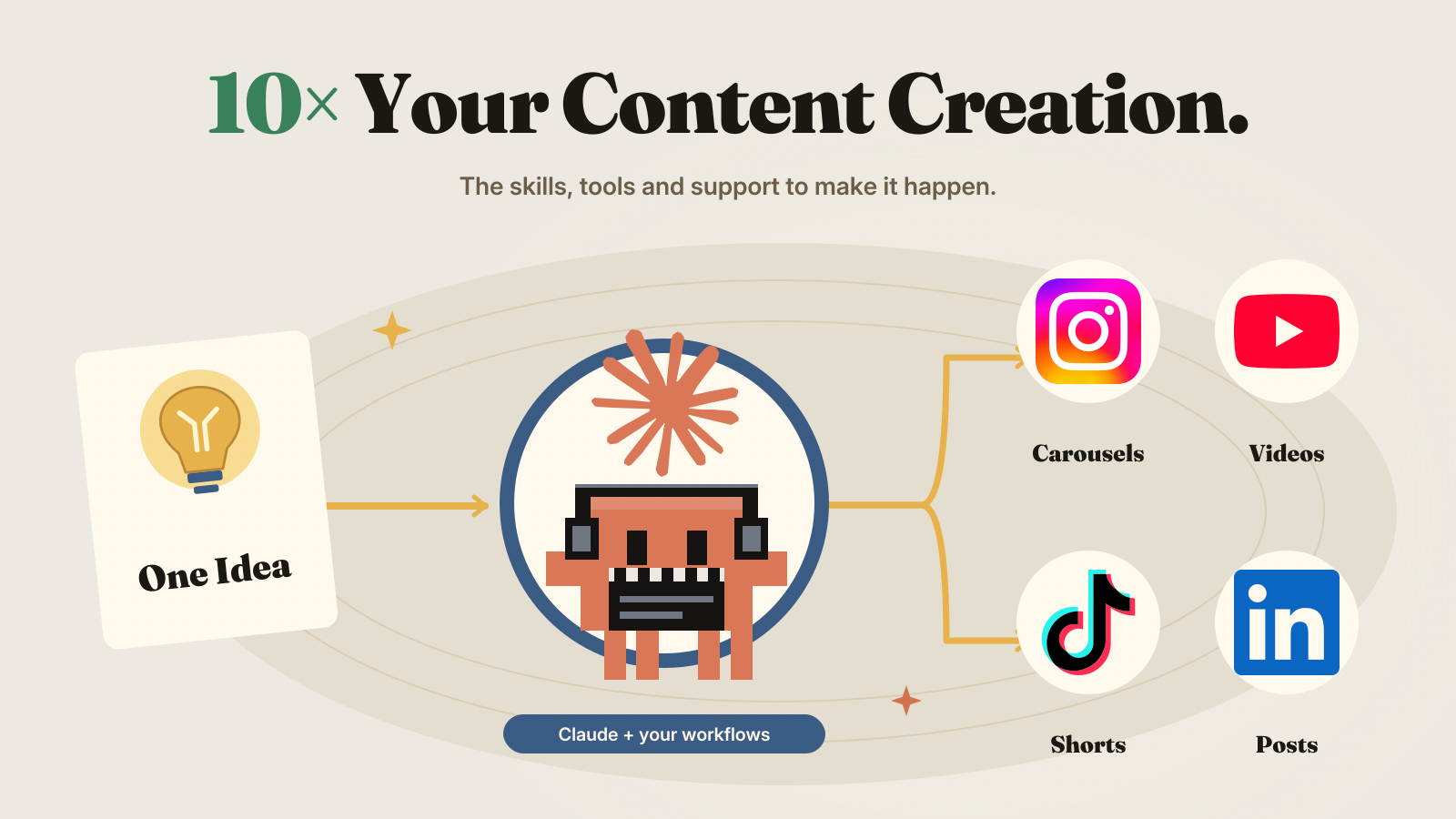
From learning to making
A place to build your creative skills and put them to work on real projects.
Follow along to make animations, product videos, avatar videos and ads. Use your own ideas as you learn.
Give Claude a proven way to help with your ideas, scripts and creative work. Add your details and make the result your own.
Describe the video you want. Your connected AI builds animated text, scenes and sound into a video you can download.
Share your work, ask questions and get help when something does not work. Keep moving toward a finished project.
One community. Your direction.

Turn what you know and sell into useful posts, product videos and animations that feel like you.
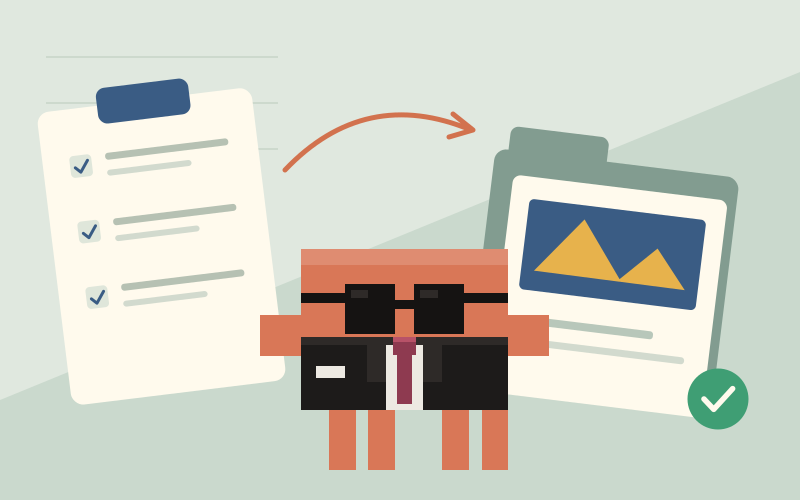
Create ads and launch content. Learn to work from a brief, shape the project and deliver the finished files.
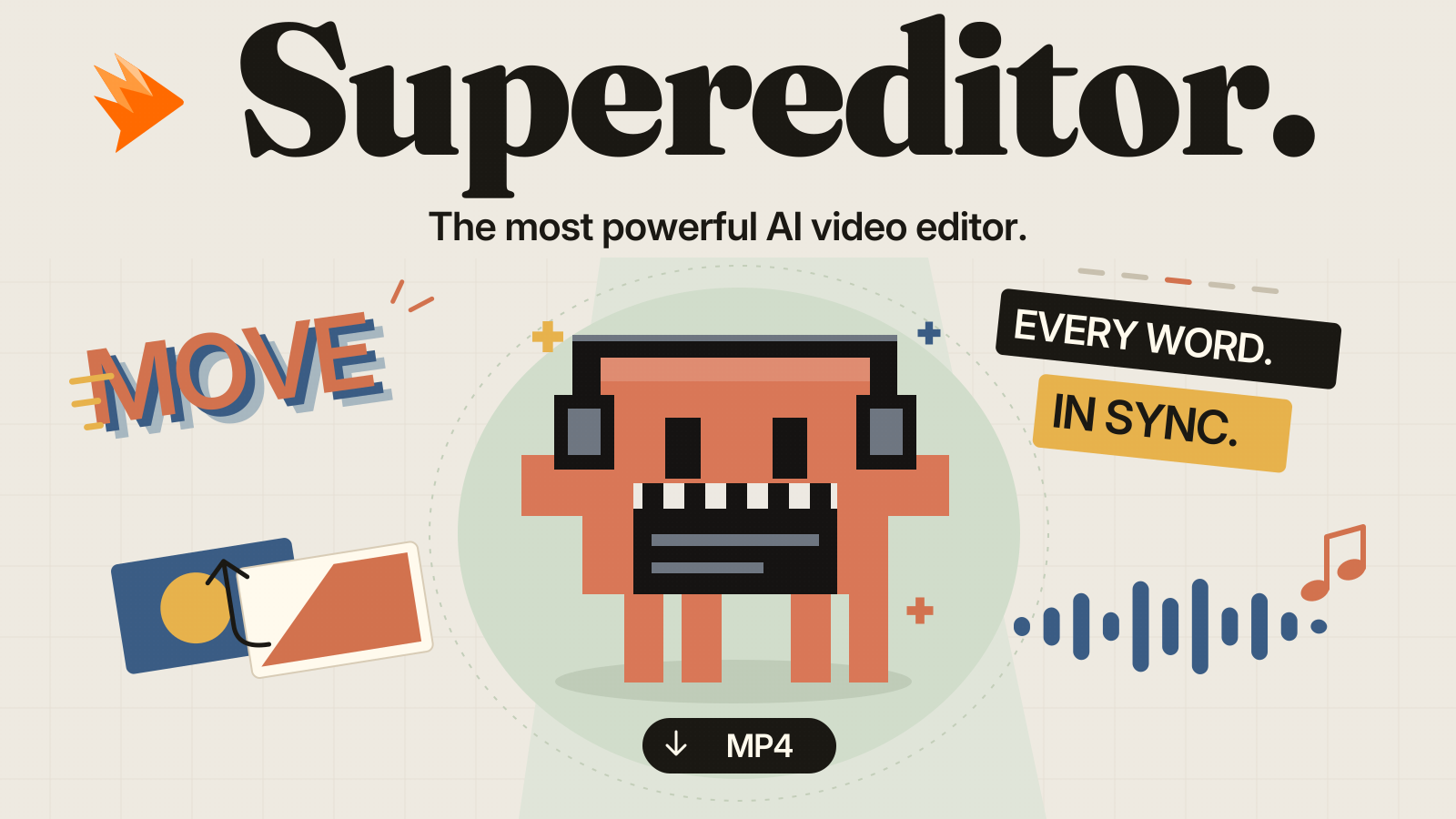
Included with your membership
Connect Supereditor to your AI app. Describe what you want and let it build the animated text, scenes and sound.
Ask for changes in plain English. Download the finished video.
How Supereditor works ↓Start with one project
Start with a video, ad or post your brand or a client actually needs.
Follow a lesson, use a Claude skill and bring your idea to life with Supereditor.
Ask for help, refine the result and reuse what you learned for your next project.
The community
Courses. Claude skills. Supereditor.
A community to help you finish.
No. Make content for your own brand, your business or clients. You can appear on camera, use an avatar or work with animation. Choose the format that fits your idea.
No coding experience is needed to follow the courses. The setup guides walk you through connecting the tools, and you can ask for help in the community.
Follow the member setup guide to connect Supereditor to Claude Code, Cursor or another compatible AI app. Alex provides your access key. Then describe a video and ask your AI to create and revise it. It currently creates designed videos with animated text, scenes and sound; uploading and cutting existing footage is not supported.
Your Guild membership includes the courses, resource library, community and Supereditor access. Your Claude subscription and any paid image or video generation are separate.
Visit school.chen.media to see the membership details and join the community.
Start exploring with 657 free guides, or join the community.